
Roofing invoice - build yours online, free
A free roofing invoice template, no Word or Excel download needed - line items, tax and discounts, priced your way. Download it as a PDF or share a link. No signup until your invoice is ready to send.
Your company
fromWho’s it for
toQuote setup
one box to configure the quoteNotes, terms & warranty
all optionalIn the app, AI generates warranty, terms and notes - one click, then edit.
- Site protection & setup1 ea × $0 $0
- Driveway & property protection1 ea × $0 $0
- Tear off existing roof to deck1 sq × $0 $0
- Inspect & re-nail decking1 sf × $0 $0
- Drip edge1 lf × $0 $0
- Ice & water shield1 roll × $0 $0
- Synthetic underlayment1 sq × $0 $0
- Starter strip1 bundle × $0 $0
- GAF Timberline HDZ architectural shingles1 sq × $0 $0
- Step & counter flashing1 lf × $0 $0
- Pipe boots & penetration flashing1 ea × $0 $0
- Ridge vent + hip & ridge caps1 ea × $0 $0
- Cleanup & haul-away1 ea × $0 $0
Date
Built free at m2q.ai
Free - no account needed to build it.
More free tools roofers actually use
Every one is free, forever - no signup, no catch.
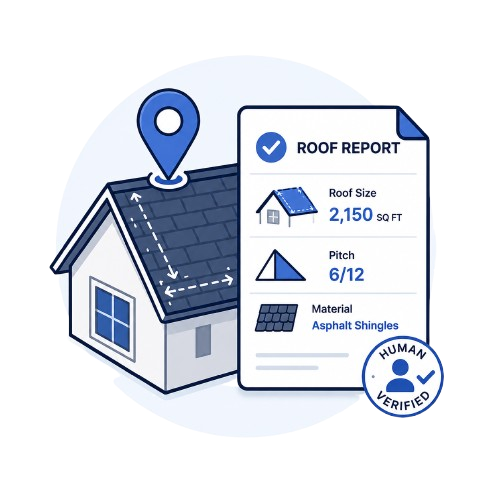
Free roof measurement
A human-verified report with roof size, pitch and material - ordered from an address in minutes.
Try it free →FreeFree quote templates
37 roofing quote templates written by roofers. Pick one, edit the lines, send it.
Try it free →Free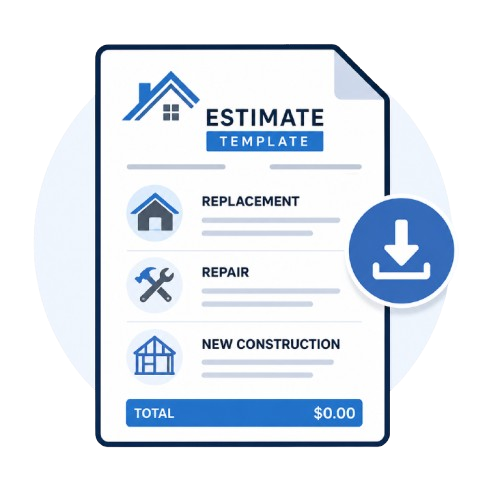
Free estimate template
The scope of work already written - replacement, repair and new construction.
Try it free →Free
Sales pitch generator
A ready-to-say script for the door, the phone, or a follow-up text - in seconds.
Try it free →Free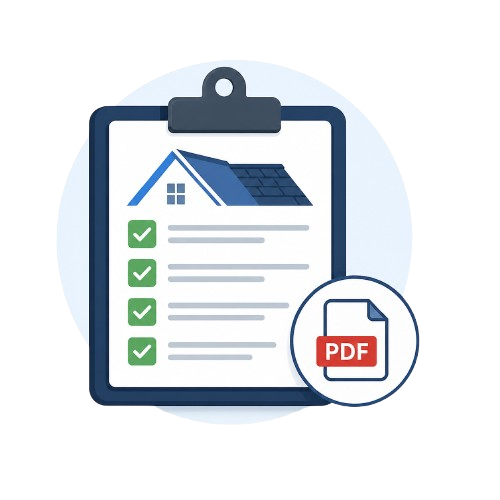
Inspection checklist
Residential and commercial checklists, or fill one in and download a branded PDF report.
Try it free →Free
Digital business card
Logo, photo, gallery and About section - a shareable link with click-to-call and save-to-contacts.
Try it free →Free
Job site weather app
Rain, wind and heat for every job address, and a heads-up before rain hits. iPhone and Android.
Try it free →Everything you need to know about our roofing invoice builder.
Is this roofing invoice template really free?
Yes - build it right here, no account needed. You sign up only when it's ready and you want to save it, brand it and send it for payment.
Do you have a roofing invoice template in Word or Excel?
Not as a download - build it here instead. It's faster than filling in a Word or Excel roofing invoice template by hand, it totals everything for you, and you still walk away with a proper document: download it as a PDF or share a link your client can pay online.
Can I turn a quote into an invoice instead of starting over?
In M2Q, yes - an approved quote becomes the invoice in one click, scope and price already filled in. This free template is standalone, for when you just need an invoice fast.
Can I bill in stages, with a deposit or milestones?
Not on the invoice itself - an invoice is what’s owed for work already done, so this template keeps it to one clear total and your payment terms. Deposits and milestone schedules belong on the quote or estimate stage; our free roofing quote template builder has that built in, and in the M2Q app it carries straight through when the quote becomes the invoice.
Can I add a discount and tax to a roofing invoice?
Yes - add a discount as a percentage or a flat dollar amount, and set a tax rate. Totals recalculate instantly.
Can I add my logo to a roofing invoice template?
Yes - upload it once and it appears on the invoice header along with your business name, address and contact details.
How can I send a roofing invoice to my client?
Both, whichever fits the job. Download it as a PDF roofing invoice and send it however you like, or share it digitally straight from M2Q: your client gets a link by text, email or WhatsApp and can pay online by card - no printing, scanning or emailing back and forth.
Does it work for change orders?
Add change-order lines the same way as any other line item - they show up on the invoice with their own quantity and rate, so the client can see exactly what was added and why.
Can customers pay online by card?
In the M2Q app, yes - card, Apple Pay, Google Pay and bank transfer land against the invoice automatically. This free template produces the document; card payment collection is an app feature.
Can I download this roofing invoice template as a PDF?
Yes - build it here and download a print-ready PDF whenever you're ready, no online sharing required. Reuse the same template for every job.
Ready for invoices that pay themselves?
Approved quotes that become invoices, e-signatures, card payments - the whole job in one place.