
A digital business card for your roofing company, free
Logo, photo, gallery, an About section (write it yourself or let AI draft it), a brand color and a template. Get a shareable link with click-to-call and save-to-contacts - no signup, no app to install.
1 · Choose a template
2 · Add images
3 · Company info
4 · About the business
5 · YouTube video (optional)
6 · Social links
7 · Your link
Click "Publish" below - you'll pick your link name and set a password before it goes live.

Your name
More free tools roofers actually use
Every one is free, forever - no signup, no catch.
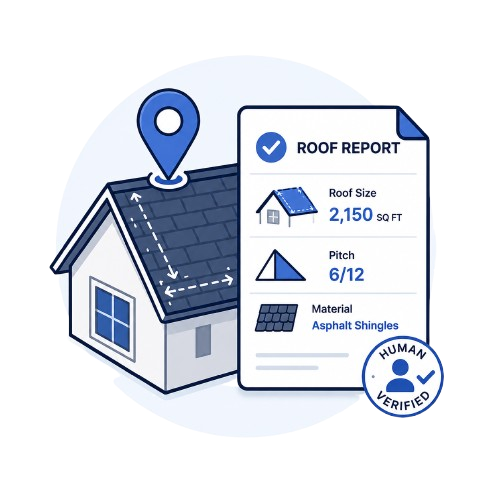
Free roof measurement
A human-verified report with roof size, pitch and material - ordered from an address in minutes.
Try it free →Free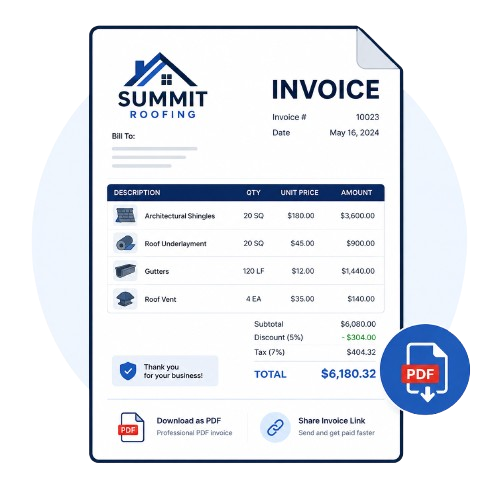
Free roofing invoice
Line items, tax and discounts, priced your way. Download as a PDF or share a link.
Try it free →FreeFree quote templates
37 roofing quote templates written by roofers. Pick one, edit the lines, send it.
Try it free →Free
Free estimate template
The scope of work already written - replacement, repair and new construction.
Try it free →Free
Sales pitch generator
A ready-to-say script for the door, the phone, or a follow-up text - in seconds.
Try it free →Free
Inspection checklist
Residential and commercial checklists, or fill one in and download a branded PDF report.
Try it free →Everything you need to know about our digital business card builder.
Is this digital business card really free?
Yes - build it right here, no account needed. You get a shareable link the moment you're done.
Do I need to sign up to get my link?
No. Pick a template, fill in your info, and click "Get my card link" - that's it. There's nothing to log into and nothing that expires.
Can I add my logo and photos?
Yes - a company logo, your profile photo, a cover photo, and up to 6 gallery photos of your work.
Can I write my About section with AI?
Yes - fill in your company name and a couple of details, then click "Create with AI" for a short, ready-to-edit About blurb.
How do people save my contact info?
Anyone who opens your card link can tap "Save Contact" to add you straight to their phone's contacts - name, phone, email, company and website all included.
Where do I share my card?
Anywhere you'd share a link - text it, WhatsApp it, put it in your email signature, or add it to your Instagram or Facebook bio.